Creating Your Account
Sign up with email and password or with Google, and start using your account right away.
Last updated 08/05/26
Creating a PolitiFast account takes about a minute, and you can start setting up your campaign the moment you finish. This article covers both sign-up options and answers the most common question about the confirmation email.
Two ways to sign up
On the signup page you can create your account either way:
- Email and password — enter your email address, choose a password, and you're in.
- Google — click the Google option and sign in with the Google account you already use. No separate password to remember.
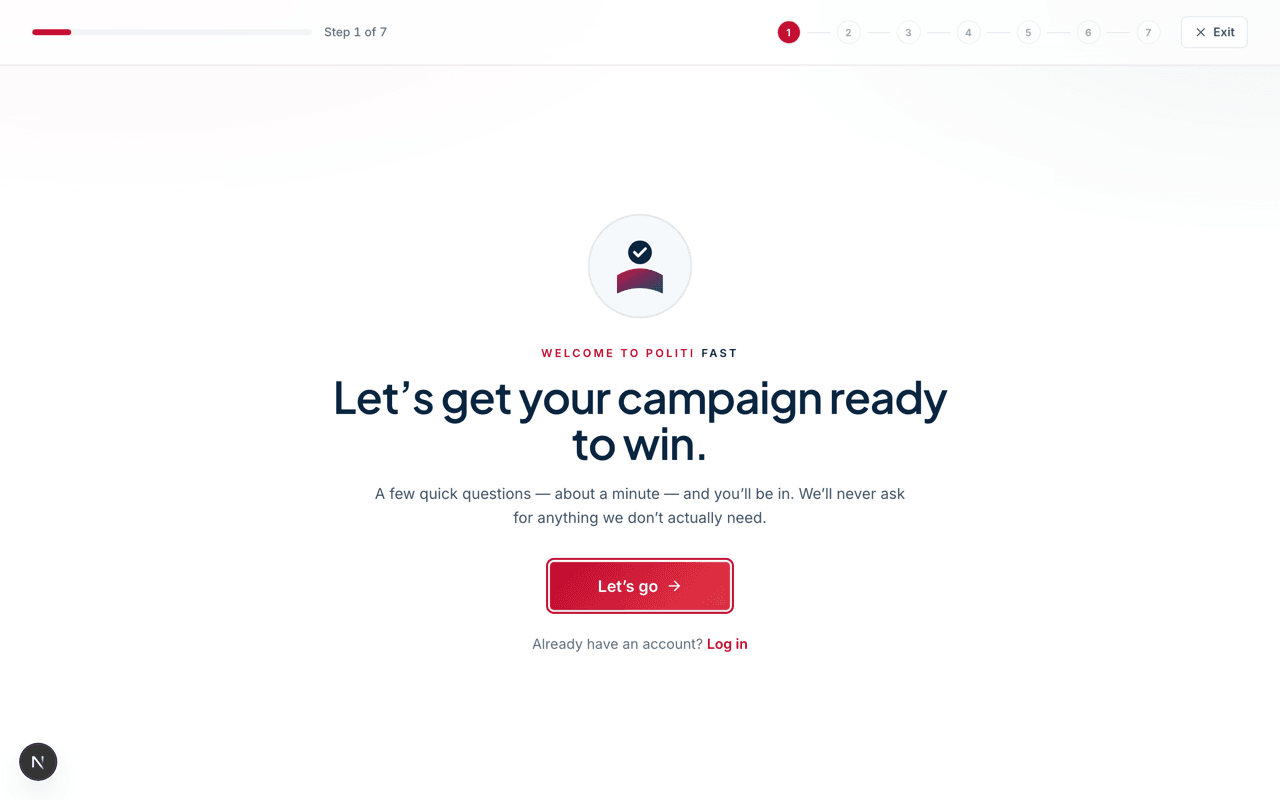
Both options create the same kind of account. If you start with email and password, you can link your Google account later in your account settings, so you are not locked into one method.
Your account works immediately
There is no waiting period. As soon as you sign up, you can sign in, choose your account type, and start the campaign onboarding wizard.
We do send a confirmation email with a link to verify your address, but that link is optional. It can never lock you out of your account — it simply confirms we have the right email on file for invoices and notifications.
Didn't get the confirmation email?
You can sign in anyway — confirmation is not required to use your account. If you want to find the email, check your spam or junk folder; campaign inboxes tend to filter aggressively. There is no need to ask for another copy, because nothing in your account is waiting on it.
One thing to get right: your email address
Your account email is where invoices, approvals, and notifications go, and it cannot be changed from your settings — you would need to contact support to update it later. So sign up with an address you will actually check throughout the campaign, not a temporary or shared one.
What's next
Once you're signed in, PolitiFast asks you to choose an account type — candidate, consultant, party committee, and so on. That choice determines whether you manage one campaign or several, so it gets its own article: see Choosing Your Account Type next in this category.
Trouble signing up?
Email hello@politifast.com and we'll sort out your account together, usually within one business day.