Creating Message Templates and Merge Tags
How the templates library works, how merge tags personalize each text, and the writing habits that make campaign texts land.
Last updated 08/05/26
Templates let you write a message once and reuse it across sends, with merge tags that personalize each copy for the person receiving it. Here's how the library works and how to write texts voters actually read.
The templates library
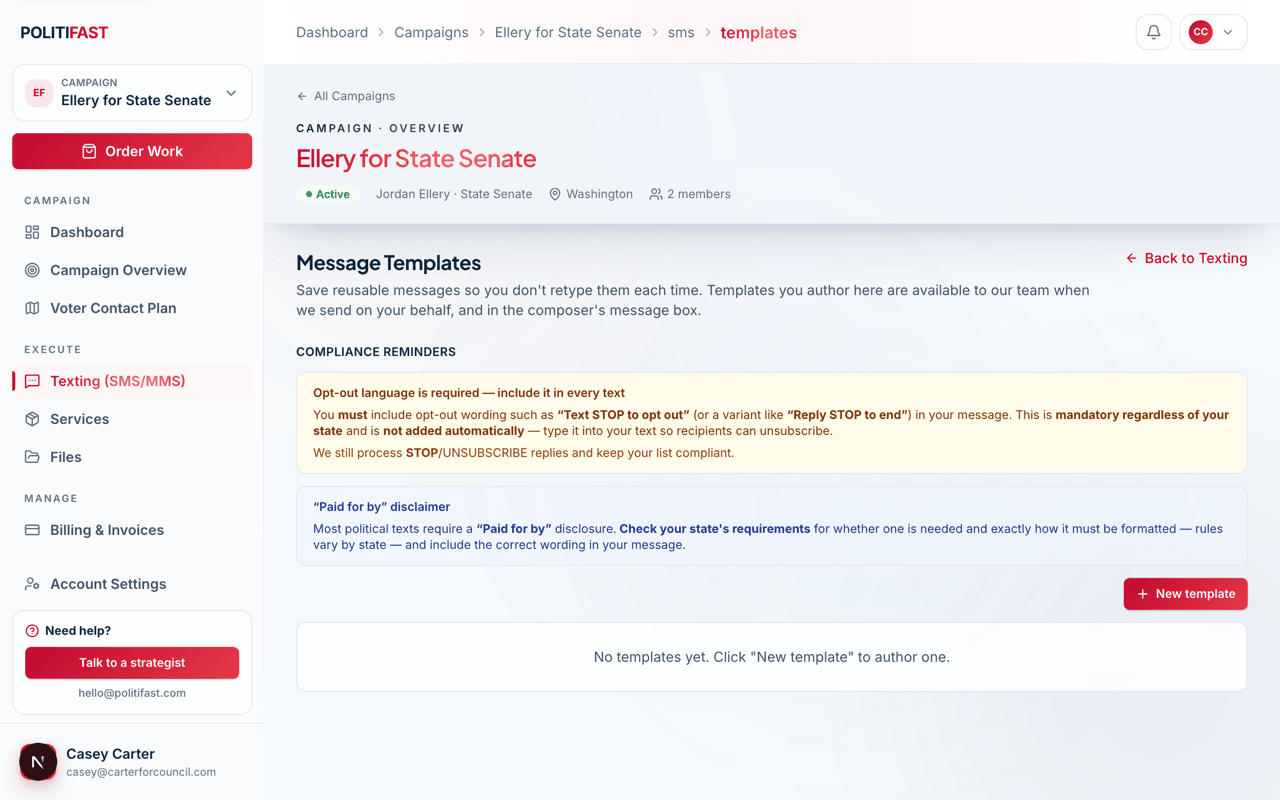
Templates live in the Messages area of your portal. You can create a new template, edit an existing one, duplicate one to spin off a variant (useful for testing a different ask), and archive templates you're done with — archiving keeps your library tidy without deleting your history.
Merge tags
Merge tags are placeholders that fill in from your uploaded contact list when the send goes out. Four are available:
- {first_name} — the contact's first name
- {last_name} — the contact's last name
- {committee_name} — your committee's name
- {candidate_name} — your candidate's name
Type them exactly as shown, curly braces included, and the editor's preview shows the message with real-looking values filled in. Because the name tags pull from your list, they only work if your file included name columns — see Importing Your Contact Lists in this category.
Writing texts that work
- Keep it short. One to three sentences. A text is a tap on the shoulder, not a mail piece.
- One ask per message. Donate, or attend, or vote — not all three. Multiple asks split attention and lower response on every one of them.
- Say who you are in the first line. Recipients don't have your number saved. A text that opens with the candidate or committee name gets read; an anonymous one gets deleted or reported.
- Write like a person. Contractions, plain words, no press-release voice.
The opt-out line is on you
Include "Reply STOP to opt out" in your message yourself — it is not added automatically. The composer will warn you when it's missing, but it won't block you. This is the single most important compliance habit in texting, and it's yours to own; the full reasoning is in Opt-Out Language: What's Automatic and What's On You.
What appends automatically
Your "Paid for by..." disclaimer is appended automatically to every send once it's configured for your campaign. Don't type it into your template as well, or voters will see it twice. Between the disclaimer we append and the opt-out line you write, every message goes out carrying both halves of its required language.
When a template is ready, it's one tap away inside the send flow — see Submitting a Text: The Six-Step Wizard.
Want your text to stand out?
Add a professionally designed graphic to any send for $25 — built for phone screens and sized for reliable carrier delivery.