Tracking Your Text Sends: Statuses and Results
How to read every send status in plain words, where delivery stats live, and where the per-send invoice shows up.
Last updated 09/18/26
Once a send exists, your portal tracks it from first draft to final delivery numbers. Here's where to look and what every status actually means.
Where to look
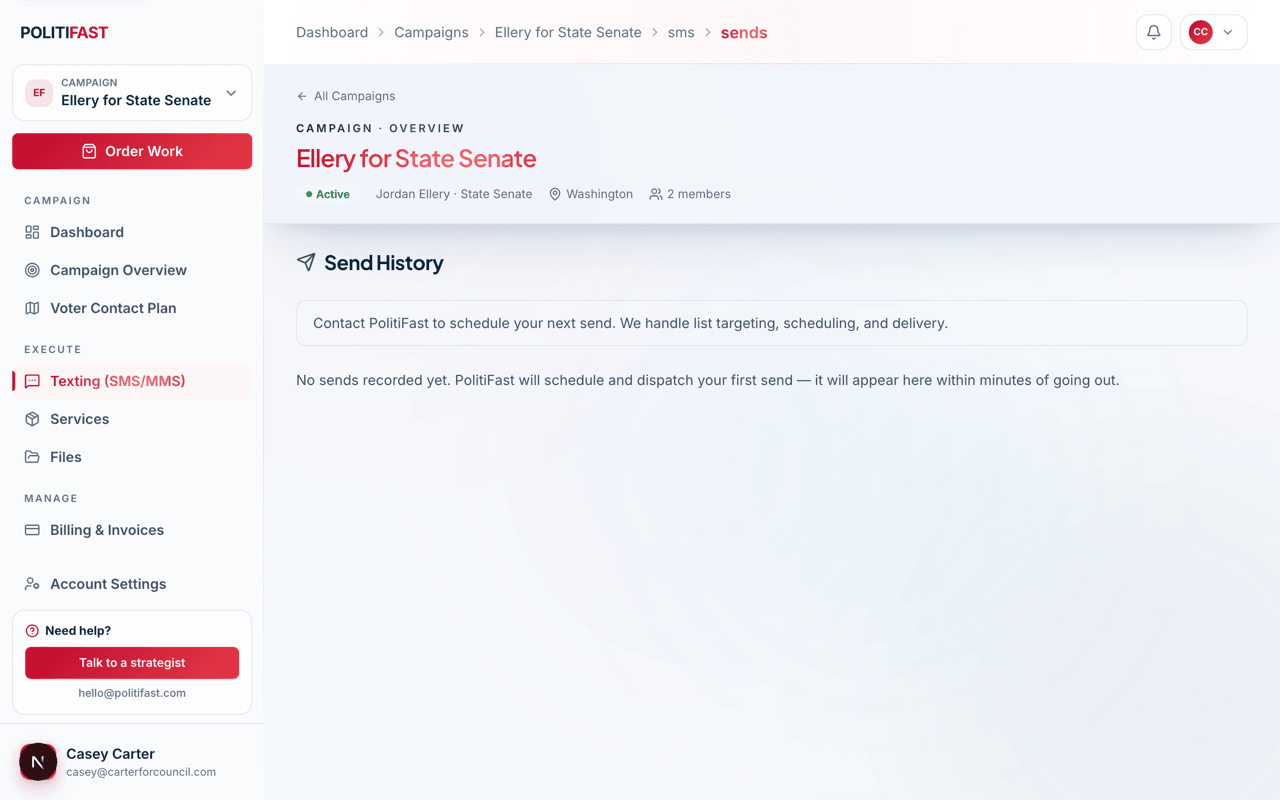
Your campaign's send history lists every text send — drafts, submitted sends, and finished ones. Every send name is a link — in Send History, in the Recent Sends list on your Texting page, and in the tables on the analytics page. Click the name to open that send's detail page, which shows the current status, the message content, the audience, and once delivery starts, the running stats.
Two download buttons sit at the top right of the detail page. Download CSV gives you the raw recipient-by-recipient data. Download PDF gives you a readable report for that send — the message, the delivery breakdown, the replies, the opt-outs, why any messages failed, and the spend. A draft has nothing to report on yet, so the PDF button appears only once the send has been released. See Downloading Your Texting Report in this category.
What each status means
- Being prepared — a draft. It's still editable and hasn't been submitted; nothing happens until you finish the wizard.
- Submitted, awaiting review — the PolitiFast team has it. We're reviewing content and compliance and may come back with suggested edits.
- Waiting for payment — the send's invoice needs to be paid before release. Find it in your Billing tab.
- Paid, awaiting release — payment received; the team will release it on your chosen schedule.
- Queued — approved and scheduled, waiting for its send window to open.
- Going out — actively sending to your audience right now.
- Handed to carriers — every message has been passed to the carriers, and delivery confirmations are still coming back.
- Finished — the send is complete and the stats are final.
- Finished with some failures — complete, but some messages couldn't be delivered. This is normal for a list of any real size: voter files always contain disconnected numbers, landlines, and numbers that carriers reject.
- Cancelled — the send will not go out.
The reason there's a review stage in every path: each send is checked and released by the PolitiFast team, which is what protects your carrier registration. You'll never see a status that skips straight from draft to delivered.
Delivery stats
Once a send is moving, the detail page shows the counts that matter. Read them this way:
- Messages attempted — messages handed to the phone carriers. People we skipped before sending, because they had opted out earlier, are counted separately as Skipped — opted out earlier rather than folded in here.
- Delivery rate — delivered divided by attempted.
- Response rate — distinct people who texted back, divided by delivered. STOP replies count as opt-outs, not responses.
- Opt-out rate — people who replied STOP to this send, divided by delivered.
Expect some failures on every large list — they reflect the state of the phone numbers in your file, not a problem with your send. If failure numbers ever look unusual for your list size, we're already looking at the same data and will flag anything real.
Campaign-wide versions of all of these live on your analytics page, reachable from the Performance card on your Texting page.
The invoice
Every send is invoiced for its eligible recipients. The invoice appears in your campaign's Billing tab, and all invoices across campaigns are listed at /portal/invoices. A send in "Waiting for payment" moves forward as soon as its invoice is paid.
If something looks stuck
A send sitting in "Submitted, awaiting review" longer than you expected is worth a quick note — email us with the send's name (the one you set in the wizard's Name & Schedule step) and we'll tell you exactly where it is.
Send stuck in review?
Email hello@politifast.com with the send's name and we'll check exactly where it's sitting.